
Download GO Keyboard Color HD – Colorful Keyboard Theme, Android App, Free with Ads
Overview
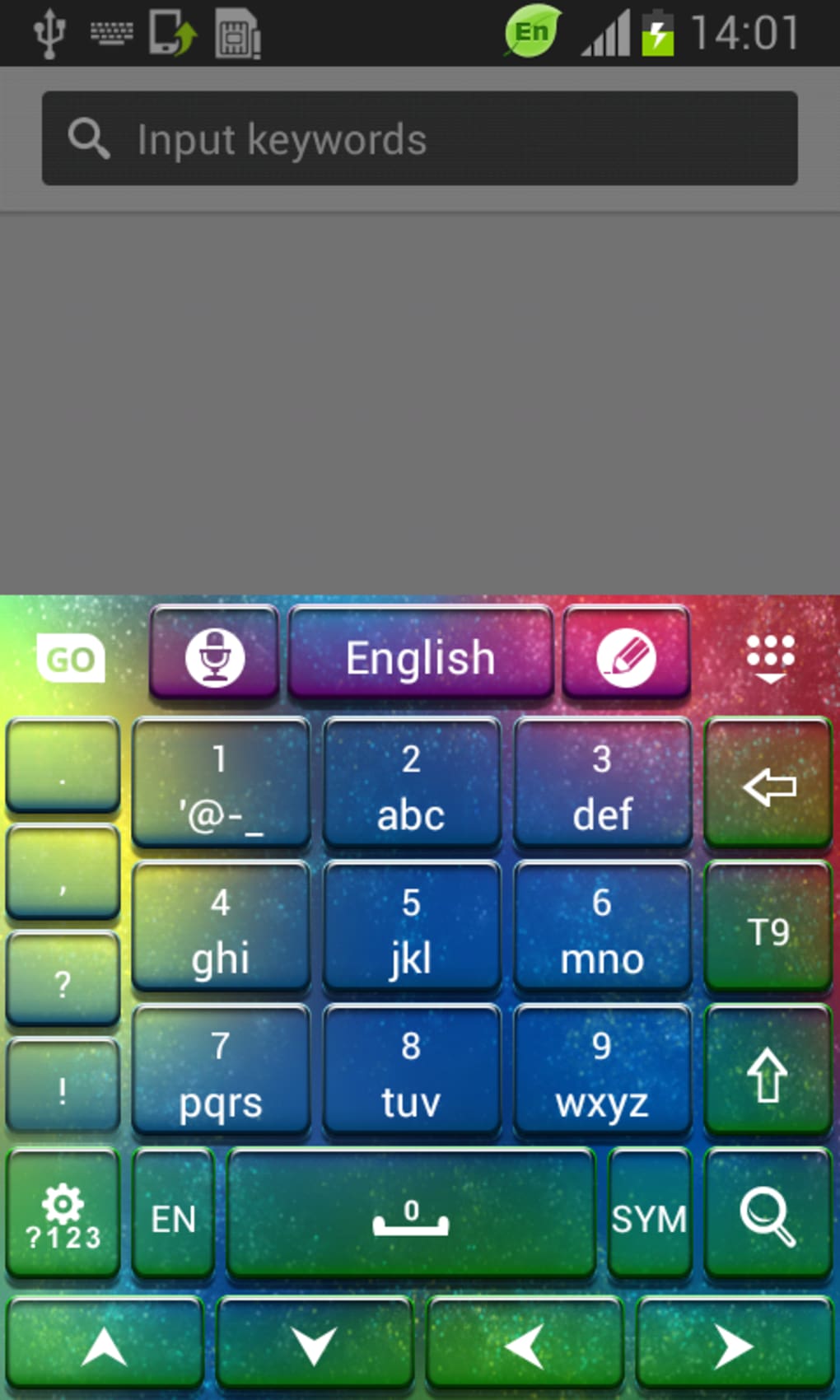
GO Keyboard Color HD is a desktop-style keyboard theme designed for Android devices, offering users a vibrant and visually appealing typing experience. The app belongs to the Customize Your Mobile category, specifically under Themes, and is developed by T-Me Studio. Its primary purpose is to enhance the aesthetic appearance of the on-screen keyboard through high-definition color schemes and dynamic visual effects. The software targets users who value personalization and enjoy customizing their mobile interface with unique designs. It is particularly suited for individuals who want to transform their keyboard into a stylish, expressive tool that reflects their personality.
Designed for Android 1.5 and later, GO Keyboard Color HD supports multiple languages, including English, Spanish, and German, making it accessible to a broad audience. The app allows users to apply a full-color, high-resolution keyboard layout that stands out from default keyboard designs. It is ideal for users seeking a visually engaging alternative to standard keyboards, especially those who prioritize design and creativity in their mobile experience. The app’s lightweight nature and focus on visual customization make it a practical option for users who want a quick, non-intrusive way to refresh their device’s interface.
Key Features & Capabilities
- High-Definition Color Themes – The app provides a range of vivid, high-resolution color schemes that transform the keyboard’s appearance, offering a premium visual feel.
- Customizable Keyboard Layout – Users can adjust color intensity, key spacing, and visual effects to match their preferred typing aesthetic.
- Language Support – Available in English, Spanish, and German, allowing users from different regions to access the theme without language barriers.
- Free with Ads – The software is available at no cost, supported by advertisements, making it accessible to users who prefer free tools.
- Compatibility with GO Keyboard – Designed to work seamlessly with the GO Keyboard platform, ensuring smooth integration and performance.
These features enable users to create a personalized typing environment that reflects their style. For example, a user can switch from a soft pastel palette to a bold neon design in seconds, adapting the keyboard to their mood or occasion. The customizable layout allows for fine-tuned adjustments, ensuring that the keyboard remains functional while being visually distinct. The inclusion of multiple languages enhances usability across international markets, while the free model ensures broad accessibility. This makes GO Keyboard Color HD a practical solution for users who want to elevate their mobile interface without investing in premium software.
User Interface, Workflow & Performance
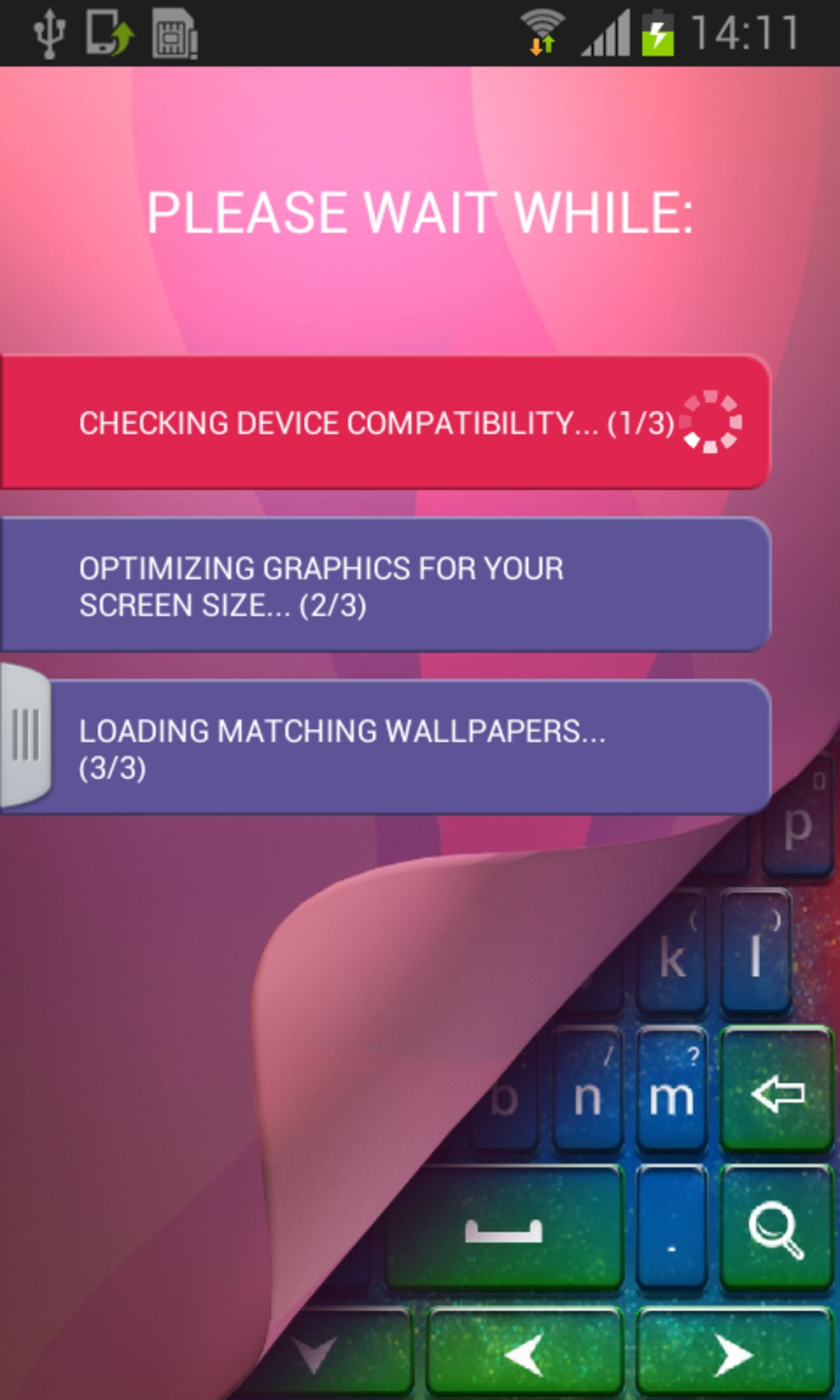
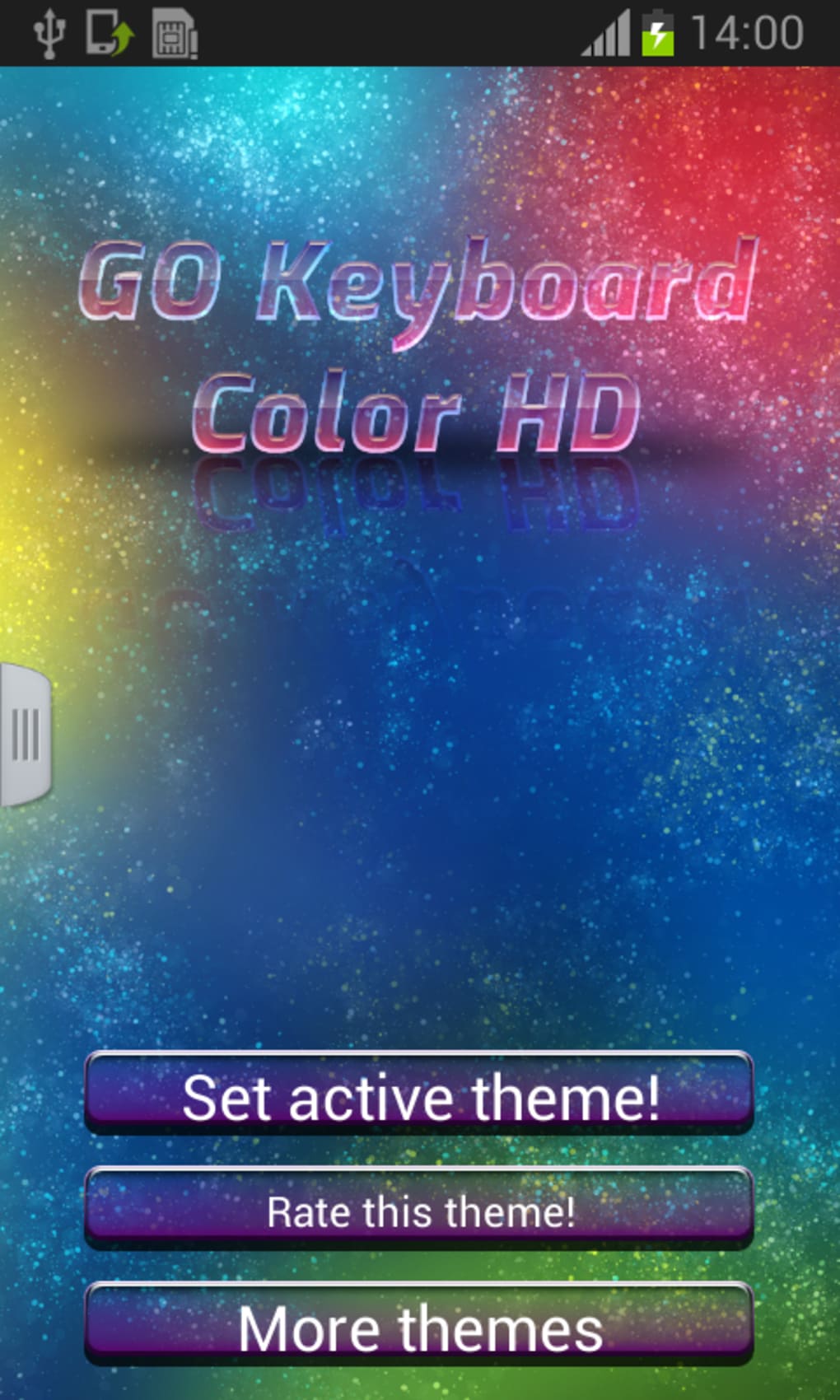
The user interface of GO Keyboard Color HD is designed around simplicity and visual impact. The main screen displays a selection of available color themes, each previewed in real-time to help users choose the most suitable option. Navigation is intuitive, allowing users to browse, select, and apply themes with minimal effort. The workflow is streamlined, requiring just a few taps to implement a new look, which enhances user satisfaction and reduces friction during customization.
Performance details were not specified by the developer. However, based on general software behavior, the app likely operates efficiently within standard Android environments, leveraging system-level rendering to apply visual changes without significant lag. The developer did not provide additional system requirements or resource usage data. Stability appears consistent with similar lightweight themes, but exact performance metrics remain unverified. The app is designed to run in the background without consuming excessive CPU or RAM, though specific usage patterns were not disclosed.
Compatibility & System Requirements
GO Keyboard Color HD is compatible with Android 1.5 and later versions, ensuring broad accessibility across older and newer devices. The app is available for download on a variety of Android-powered smartphones and tablets. The installation size varies depending on the device and system configuration, as noted by the developer. Exact system requirements were not listed, and no specific hardware specifications were provided.
Users should ensure their device meets the minimum Android version requirement to install and run the application. While the app is designed to function on older systems, performance may vary based on device capabilities. The developer did not specify whether the app supports tablets or other form factors beyond standard smartphones. Compatibility with different screen sizes and resolutions was not detailed, though the theme is likely optimized for standard mobile displays.
Pros and Cons
Pros
- Free to download and use with no upfront cost
- Offers visually striking, high-definition color themes
- Supports multiple languages for wider accessibility
- Simple and intuitive interface for easy theme selection
- Seamless integration with the GO Keyboard platform
Cons
- Contains advertisements, which may interrupt the user experience
- Performance and resource usage details were not provided
- Only available for Android devices, limiting cross-platform use
- Version 1.2 has not seen updates since 2014, raising concerns about long-term support
- Installation size varies and may affect storage on low-capacity devices
FAQ Section
Is GO Keyboard Color HD compatible with my Android device?
The app is compatible with Android 1.5 and later. Users should verify their device’s OS version to ensure compatibility.
Is the app safe to download and install?
GO Keyboard Color HD is available on the Google Play Store and has a 4.7 rating, indicating a generally positive user reception. However, users should ensure they download from official sources to avoid unauthorized versions.
Does GO Keyboard Color HD require an internet connection?
The app does not require an active internet connection to apply or use themes. However, updates and ad content may require connectivity.
Can I use this theme without the GO Keyboard?
The theme is designed to work specifically with the GO Keyboard. It may not function properly with other keyboard applications.
How often is GO Keyboard Color HD updated?
The latest update was released on December 31, 2014. No recent updates have been published, which may indicate limited ongoing development.
Final Thoughts + CTA
GO Keyboard Color HD remains a distinctive choice for users seeking a vibrant, customizable keyboard experience on Android. Its high-definition color themes and intuitive interface offer a visually engaging way to personalize mobile typing. While the app is free and accessible, its lack of recent updates and reliance on ads may affect long-term usability. For users who value aesthetics and are comfortable with older software, it still delivers a functional and stylish solution. However, those seeking modern features, ongoing support, or ad-free operation may want to explore more current alternatives.
Download GO Keyboard Color HD now to transform your keyboard into a colorful, expressive tool.





.png)

